Overview
A refund at Shikho passes through several teams. Someone in sales or CX raises it, an approver checks it, finance pays it out, product removes course access when needed, BI records it, and QA reviews the whole case. I built the system that carries each request through those steps, on Google Apps Script, because the teams already lived in Google Sheets and it needed no servers or hosting.
The problem
- Scattered across teams. Each team kept its own records, so a refund's status lived in several places and nobody could see the whole picture.
- Manual follow-ups. People chased each other by message to find out where a request was.
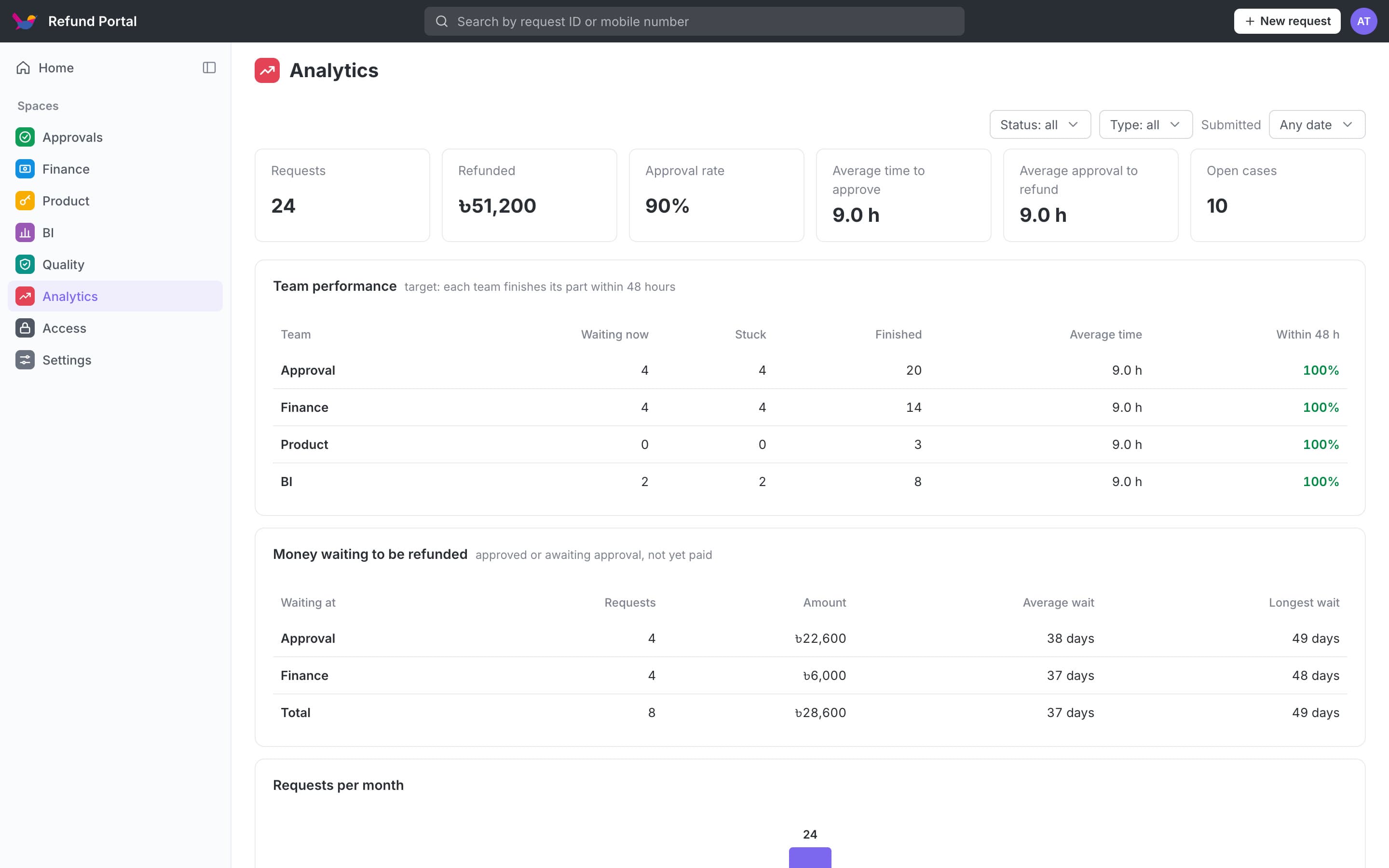
- No view of bottlenecks. There was no way to see which team was slow or which refunds were stuck.
The solution
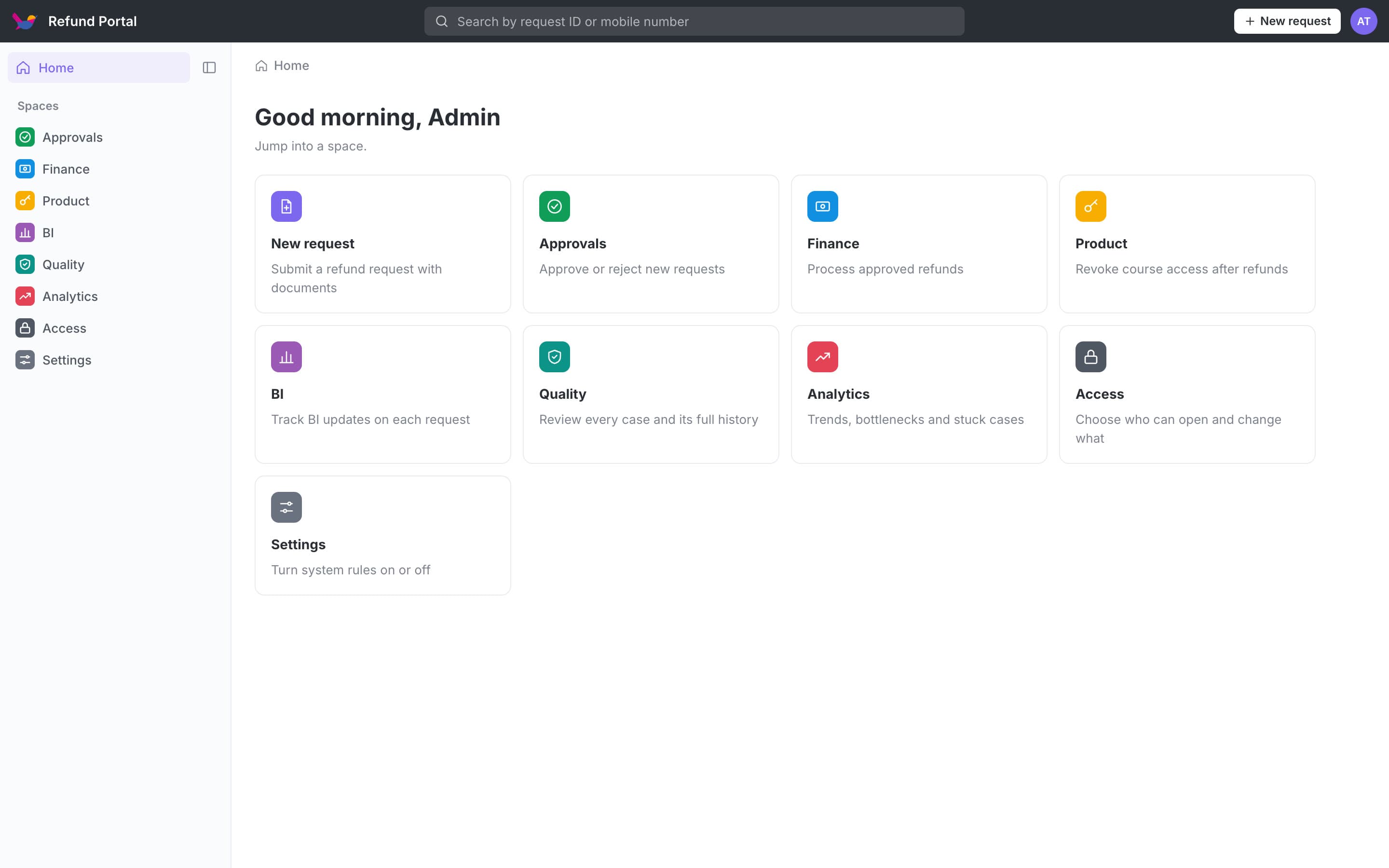
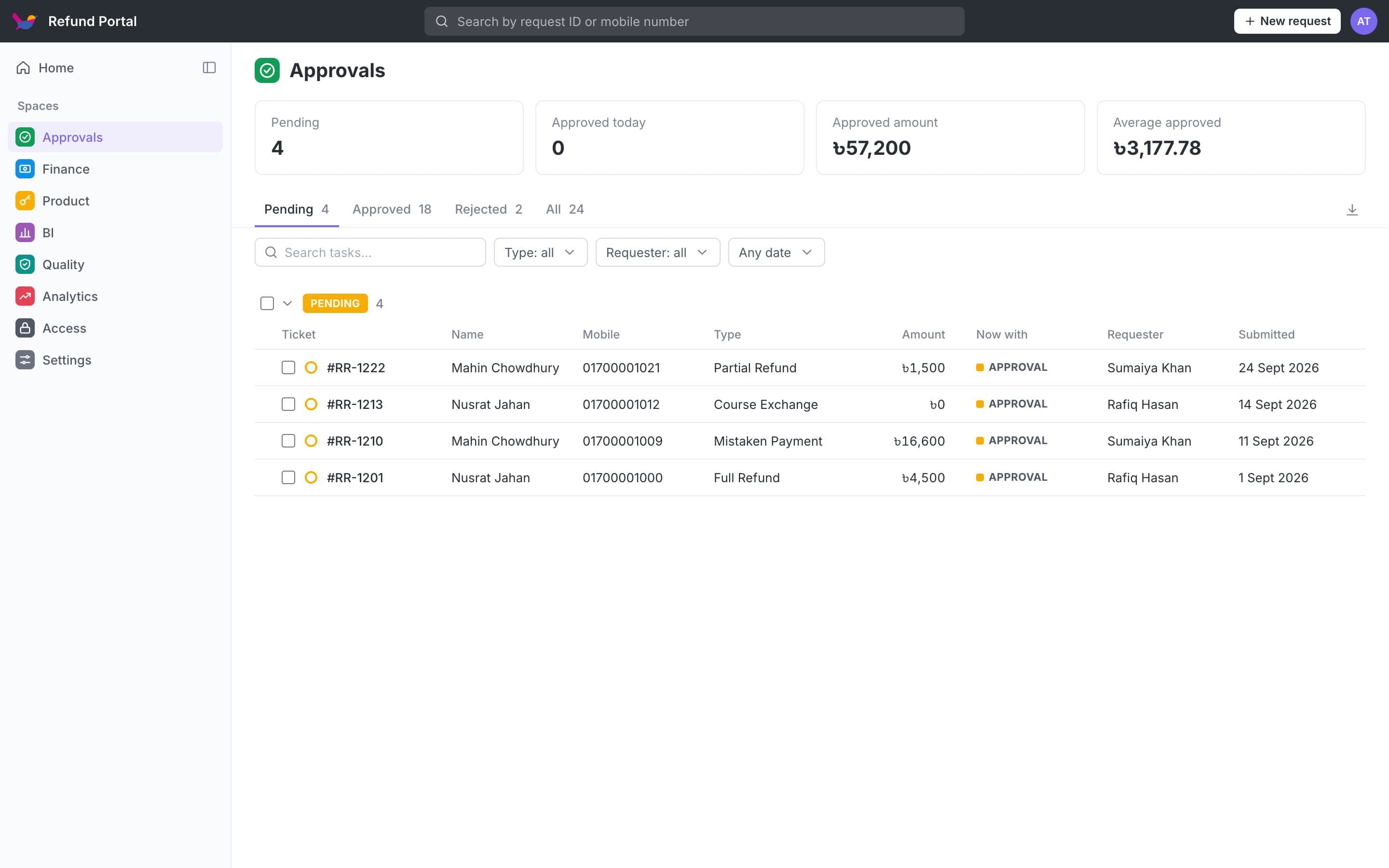
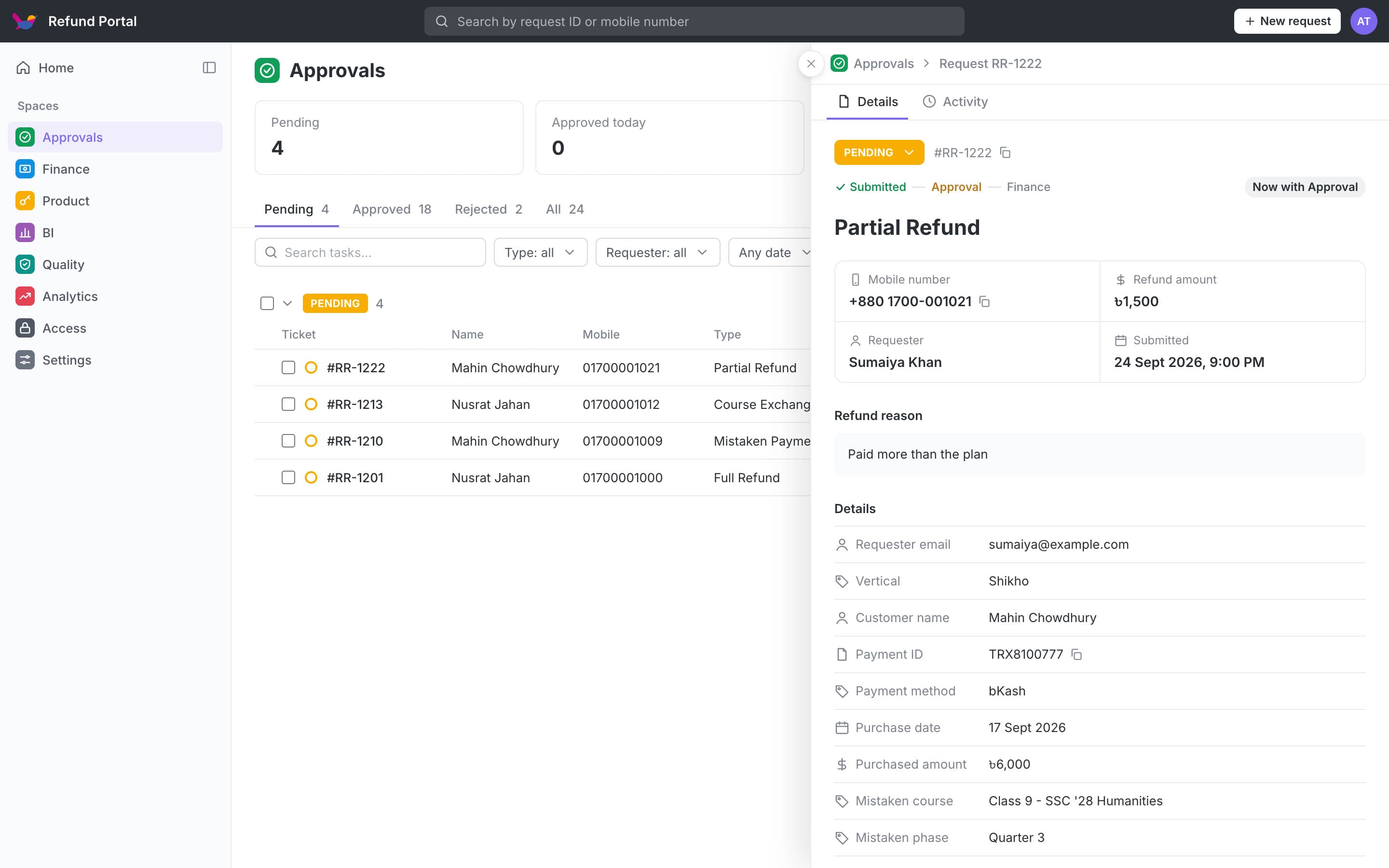
One public request form with fields for each of the five refund types: course exchange, phone number exchange, partial refund, full refund, and a payment sent to the wrong merchant number. Each request then flows to the right team automatically, and every team has its own portal with only what it needs to act on, plus an analysis page.
Rebuilding it
The first version worked and cut refund processing time by 60%, but years of features added by copy and paste had made it heavy and hard to change. So I rebuilt it from the ground up, on the same Google Sheet, with the same teams and the same reports, so nobody had to move their data.
- Sign in with your work Google account. No separate passwords to manage. The app knows who you are and shows only your spaces.
- Every action checks your role. Not just the page you open: every button that changes a request checks you are allowed to.
- Safe submits. Two requests sent at the same moment can no longer get the same ID, and a failed email never loses a saved request.
- Much smaller and faster. A fraction of the old code, one shared layout, and each sheet read once per action instead of several times.
- A safe way to test. A local copy runs on test data, and a test mode sends every email to one address, so changes are tried without touching real staff or students.
Decisions and trade-offs
Stay on Google Sheets
A real database would be stronger, but the teams' own reports read straight from the sheet. Keeping the same sheet, tabs and column names meant no migration and nothing broke for them.
Read columns by name
The code finds each column by its header, never by position, so someone adding a column to the sheet can't break the app.
The status comes from the history
Each team writes its own log, and a request's current status is worked out from them, so two teams can never overwrite each other's update.
Run old and new side by side
The new version ran next to the old one on the same data until every portal matched, then teams switched over.
What I learned
The first version should solve the problem; the second should make it last. I'd ship the quick version again, but plan the rebuild before the copy-paste piles up, not after.Back to sample work